
Who it is for
Senior living, group homes, HOAs, guarded communities, dorms, business centers, self-storage. Anywhere there are units to monitor and staff on site.
For communities with staff on site
Central station monitoring is good backup, but the help it calls for has to travel to you. Your own staff are already there, and they know the resident, not just the zone number. They know whether this has happened before, and they can clear a false alarm before it costs you a fine.
Alarm Station alerts on-site staff as soon as the system trips, not when the central station works down its call list. Alert them first. Escalate to central second.
The demo
Cedar Grove, an eight-apartment care community, on a wall-mounted touchscreen branded by the alarm company that installed it. A fall in 204, a resident who pressed his mobile pendant while out getting groceries, three alarms arriving at once, and a good deal more.
A community this size would not see anything like this much in a few minutes. The demo compresses a great deal of activity into a short run so you can watch how the screen behaves when things arrive together.
Alarm Station
Each residence, suite, or unit has its own alarm system. Alarm Station puts those alarms on a screen at the nurse desk, the office, or the guard post, in language staff can read in the moment, with instructions on what to do written in plain English.
Senior living, group homes, HOAs, guarded communities, dorms, business centers, self-storage. Anywhere there are units to monitor and staff on site.
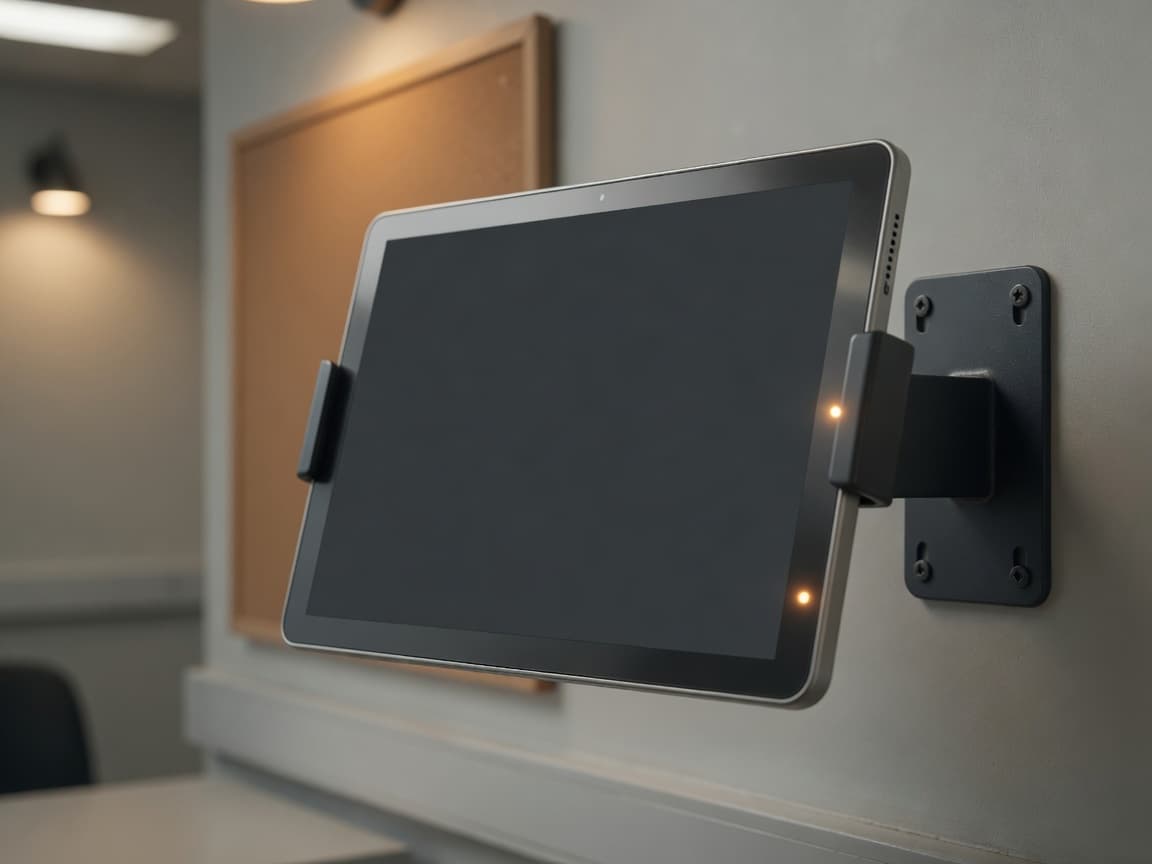
A touchscreen that turns your staff area into a monitoring station. A tablet on a stand, or a smart screen on the wall. Alarms appear as they happen, with clear instructions what to do.
Staff see the alarm first and can address the problem immediately, not after an off-site operator has worked its way down a call list. You can keep your central station as backup for when staff cannot respond.
Each unit keeps its own alarm system
Alarms arrive immediately
Two buttons: I’m on it, Resolved
Works alongside monitoring
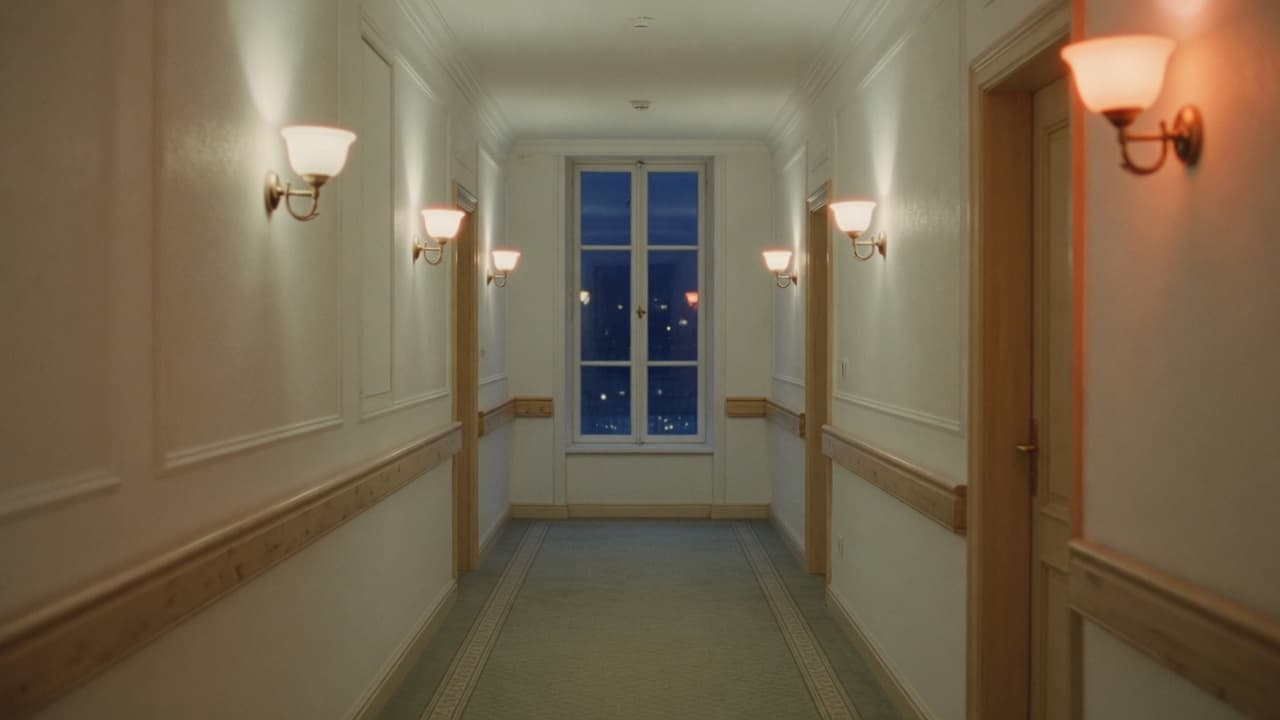
At 2:14am, the people already on site should be the first to know, not the last.
The signal already exists. It is already traveling.
The gap
An alarm travels at network speed. The minutes come from the human steps in the middle: a central station operator has to become available, and then somebody on site has to answer the phone.
A fall detector fires at 2:14am. The signal goes out to a monitoring center, waits its turn for an operator, and comes back as a phone call whenever that station’s protocol reaches your staff. The care assistant forty feet away is first in the response and last in the sequence.
What arrives is an account number and a zone, or a keypad code on a wall. Nobody off site knows that 214 sets this off every week, or that the resident in 118 walks at night. The context that decides whether this is an emergency is already on site, and none of it is in the signal.
A resident knocks their own pendant off the nightstand. A storage unit is opened by the person who rents it. Police and EMTs roll because the question never reached anybody on site, and the community pays twice: once in false alarm fines, and again in responders who stop treating the address as urgent.
Why it works
A care assistant who started last week will not learn software at 3am. If the screen is complicated, they walk past it. If it is two buttons and one sentence, they use it.
I’m on it. Resolved. There is no menu, nothing to log into, and nothing to remember. If something needs a person, the next step is obvious at a glance.
Medical alert from the app. Go to the person. Not a zone number, and not a code that means somebody disarmed their system. What happened, where, and what to do about it.
Nobody on your night shift asked for a new system, and none of them will read a manual. This is built so that the first person who walks up to it uses it correctly, without ever having been shown.
The touchscreen
An Android touchscreen at the nurse desk, the office, or the guard post. A tablet on a stand, or a smart screen on the wall. Always on, and never waiting to be opened. Staff press I’m on it, then Resolved.
Alarms never compete with noise
An open alarm holds the top of the screen until somebody takes it. A low battery or a power failure waits on a list of its own. Nobody scrolls past a beeping battery to find a medical alarm.
Plain language, and what to do
Burglary alarm, Unit 214, Front Door. Underneath it, the short instruction you wrote for that kind of alarm, so nobody has to decide what to do in the moment.
Two buttons
I’m on it. Resolved. There is nothing else to operate, and nothing else to get wrong at 3am.
It looks after itself
If anything goes wrong, the touchscreen tells you on its own display. It puts itself right as soon as it can. Nobody has to check on it, and nobody has to restart it.
How it works
01
Either straight to Alarm Station, or through a platform like Alarm.com. The alarm systems in your units carry on doing exactly what they do today.
02
With your own instructions for that kind of alarm sitting underneath it.
03
Staff are the first line, and what you keep behind them is your decision. For sites that want one, there is a record of who took each alarm and when.
Alarm.com
A standard alarm account tells staff that something happened. An Alarm.com account can do a great deal more, and Alarm Station puts nearly all of it on the screen in the staff area.
Two-way voice opens on an alarm, through the alarm system or an IndiGo pendant. Listen-only on duress and panic, so nothing gives away that somebody is listening.
Video verification and remote video monitoring, with the clip that caused the alarm and a live view of the same camera.
Wellness activity, a missed check-in, a morning somebody did not get up. Fall detection and the Safety Button arrive as themselves.
Crash and smash, where the system was destroyed before it could report. Gunshot detection. Panic raised from a phone.
More about the Alarm.com integration →
Alarm Station is an independent product. It is not affiliated with, endorsed by, or certified by Alarm.com, and Alarm.com is their trademark.
Who it is for
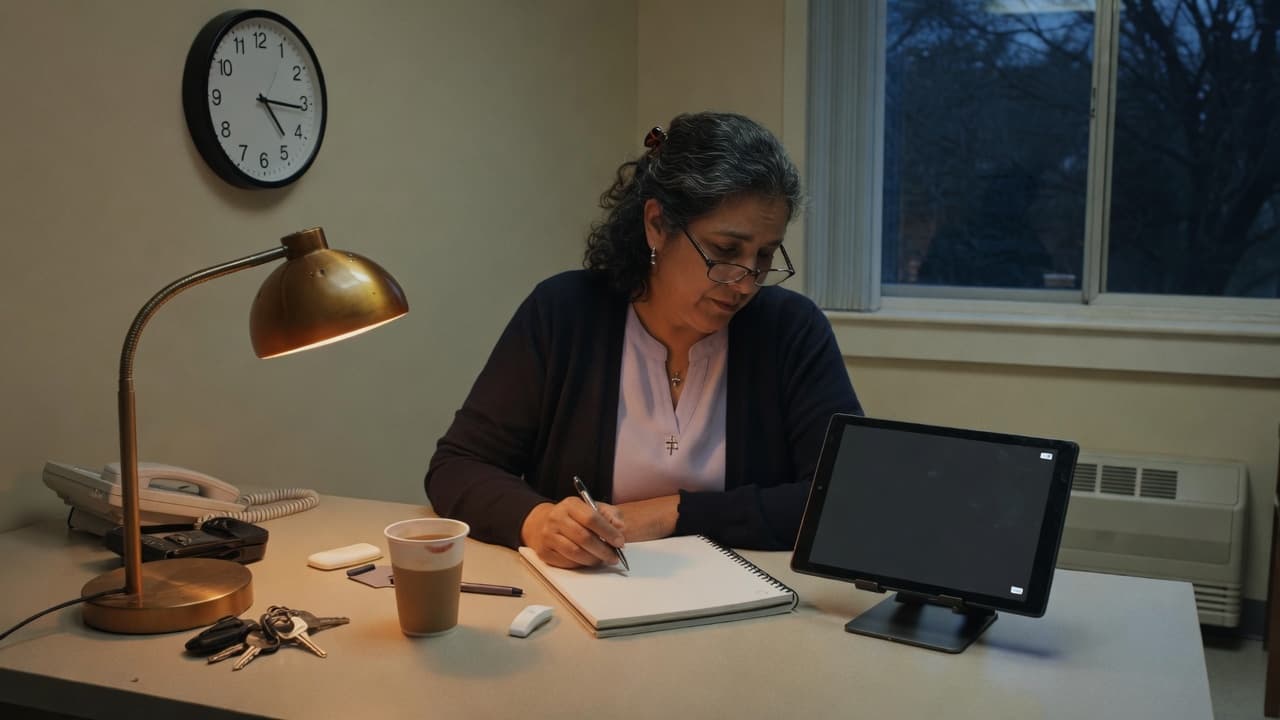
Senior living, assisted living, group homes. The answer is always the person on shift.
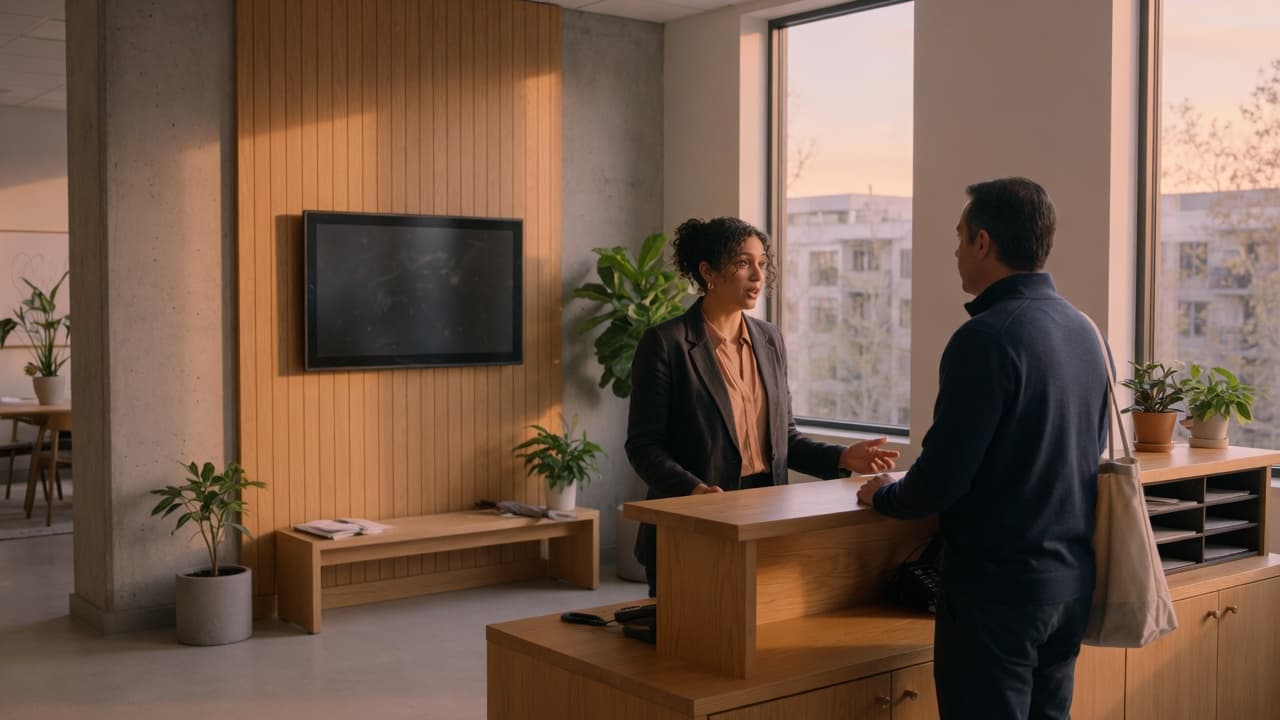
Homeowners associations, dorms, and other living communities with many units.
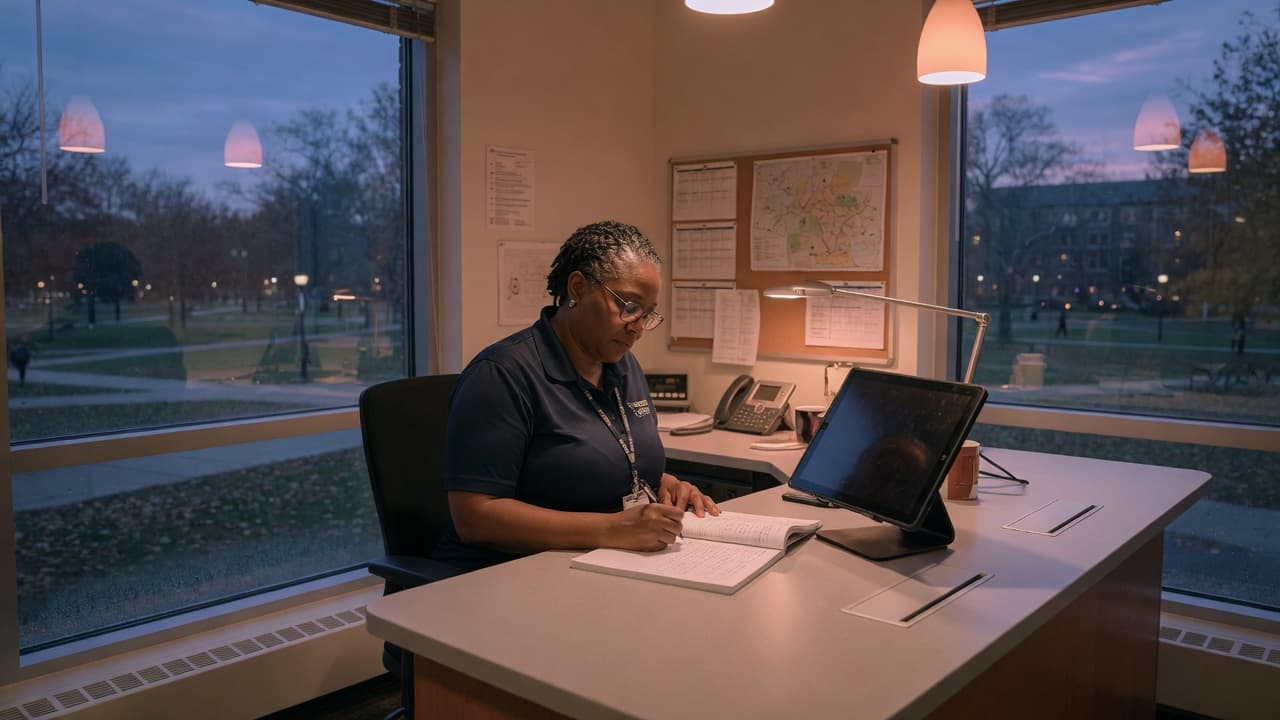
Schools, campuses, and dorms. Facilities staff, many units, one screen.
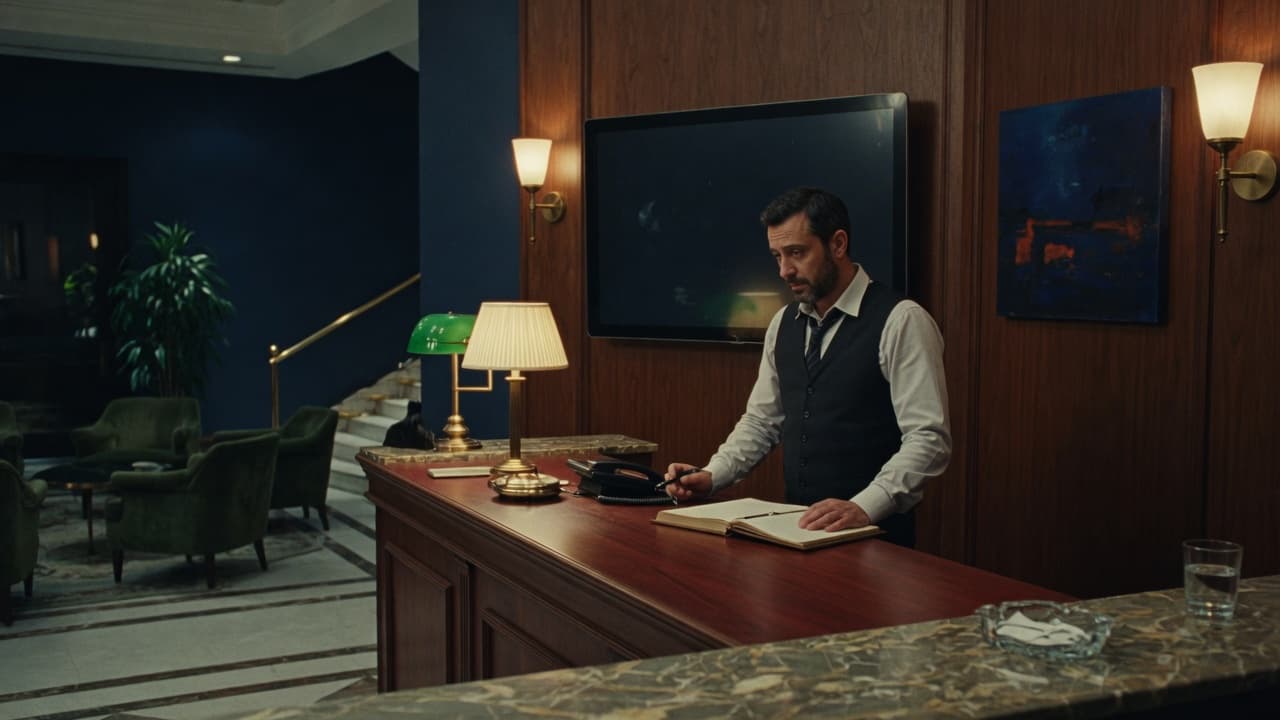
Business complexes, offices, and warehousing with staff on site.
For dealers
No new system. Alarm Station attaches to the accounts you already monitor, and it is your name on the screen when staff look up at 3am.
If you sell alarm systems, or you run a staffed community and wish the alarms showed up at the desk, we would like to hear from you.